


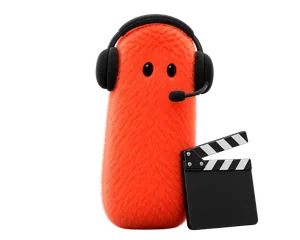
Director
Runs the scenes.
 dotai

Seven AI agents. One app. They turn your photos and ideas into videos, images and music.
Free download · In-app purchases
Pick a template, add your photo and confirm. The agent behind it does the rest.
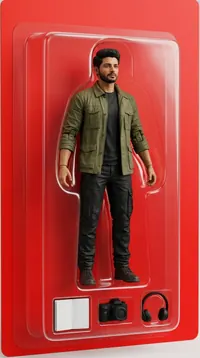
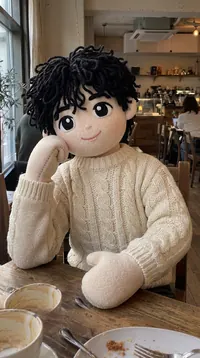
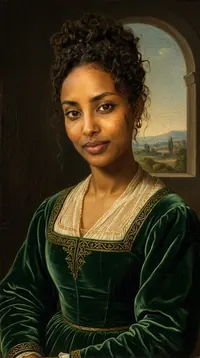



Bullet Time

Clones

Melting

Fallen Angel
Seven agents, each with one job. Start from a template, brief an agent yourself, or let the Director run a whole scene.
Runs the scenes.
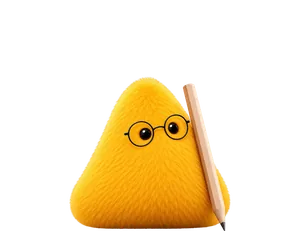
Brings your photos to life.
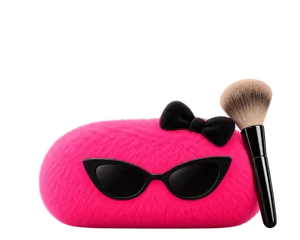
Gives your pictures a new style.
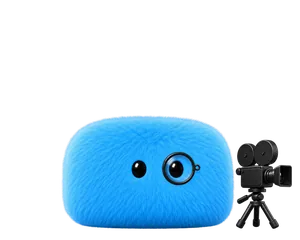
Adds camera moves.
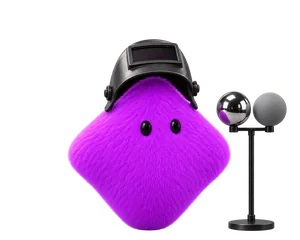
Adds effects to your videos.
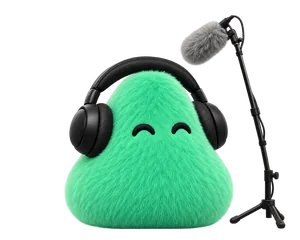
Makes music and sound for your video.
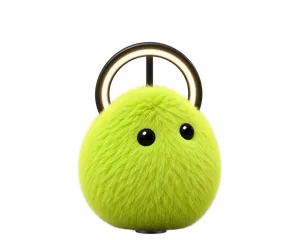
Builds lasting AI personas.
Every job goes to the agent who knows it, and you see the credit cost before anything starts.
Seven agents with their own jobs. Brief one yourself, or hand the whole scene to the Director and the crew works it step by step.
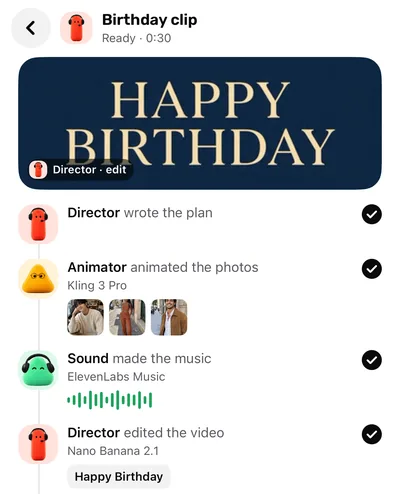
In Agent Studio every model is shown by name, with its credit price on screen before you start. If a render fails, your credits come back.
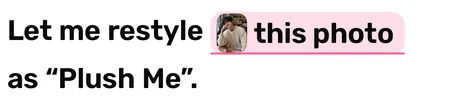

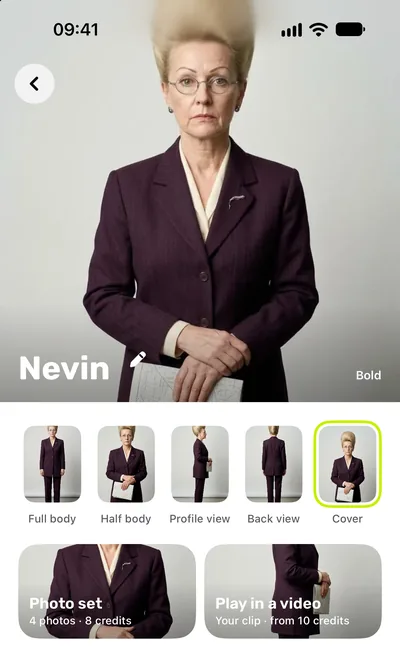
Build a persona once with Influencer. Same face in every photo set and video, and only you can see your personas.
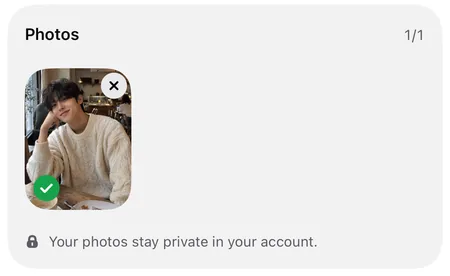
Uploaded photos are stored privately and used only to make what you ask. A finished result gets a share link that anyone with the link can open.
English, Turkish, German, Spanish, French, Italian, Portuguese (Brazil), Russian, Arabic, Japanese, Korean and Chinese (Simplified).
Pick, add, confirm. The crew takes it from there.
Start from a ready-made look, or open an agent and describe what you want.
In Agent Studio you pick the model by name. Templates come with it already set. The credit price is on screen before you start.
The result waits on its agent’s shelf in your Library. Save it to your gallery or share it.
Anyone with a photo and an idea.

Turn one photo into a clip worth posting.

Give a product photo a new look, then set it in motion.
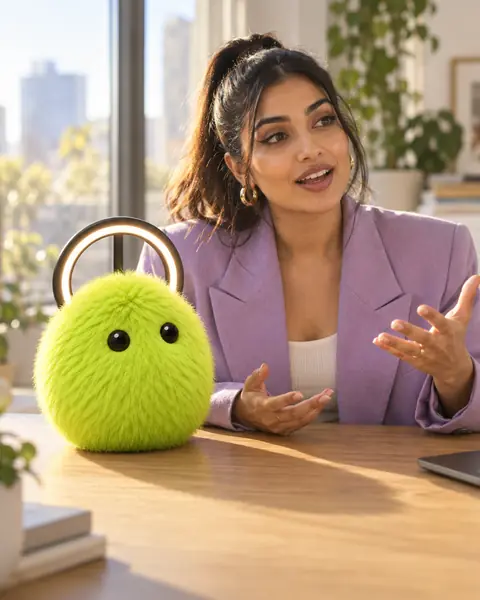
An AI influencer with the same face in every post.
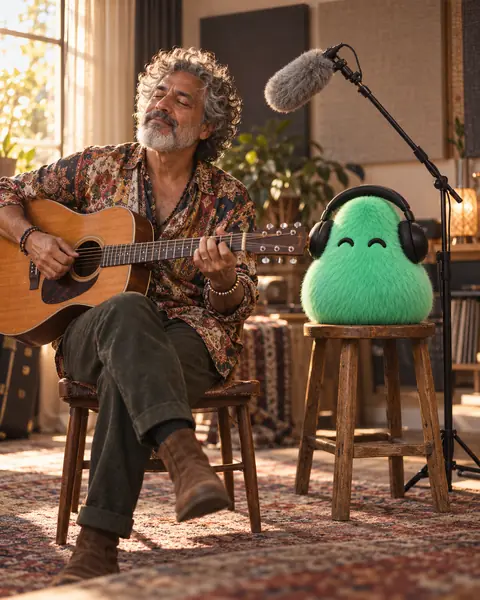
Turn a band photo into a short clip, with music from Sound.

Bring old family photos to life.
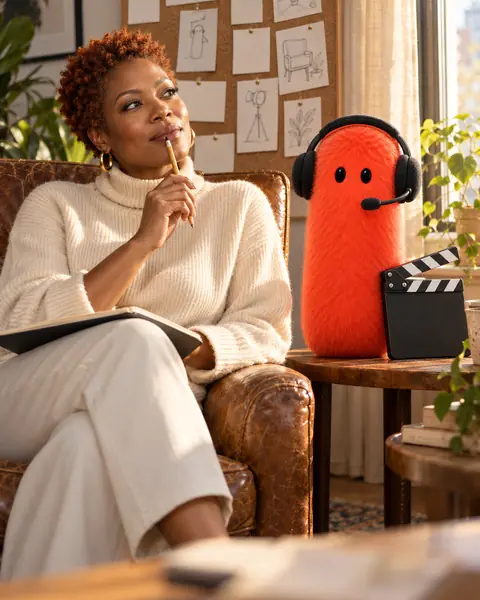
Give the Director one brief and get a whole scene.
dotAI is an iPhone app with a crew of seven AI agents: Director, Animator, Stylist, Camera, VFX, Sound and Influencer. Each has one job, and together they turn your photos and ideas into videos, images and music.
dotAI is a free download with in-app purchases. Creating uses credits, which come with a Pro subscription or a one-time credit pack. Every request shows its credit cost before you confirm.
dotAI runs on iPhone with iOS 18 or later.
Yes. In Agent Studio you pick one of the agent’s models, each shown by name, and the credit price is on screen before you start. Templates come with the model already set.
Photos you upload are stored privately and used only to make what you ask. Finished results get a share link, so anyone with that link can view them. You can delete your work, or your whole account, in the app at any time.
Your credits come back. In a Scene, if a step fails, that step and every step after it are refunded.
A character you build once, from a few choices and a short description or from a photo. Its face stays the same across photo sets and short videos, and only you can see your personas.
12 languages: English, Turkish, German, Spanish, French, Italian, Portuguese (Brazil), Russian, Arabic, Japanese, Korean and Chinese (Simplified).
Get dotAI on the App Store. Free download with in-app purchases. Requires iOS 18 or later.
Scan with your iPhone camera to open the App Store.
